ffacelab
FREE MODEMy signature look

CANVAS · LINA

Create your look
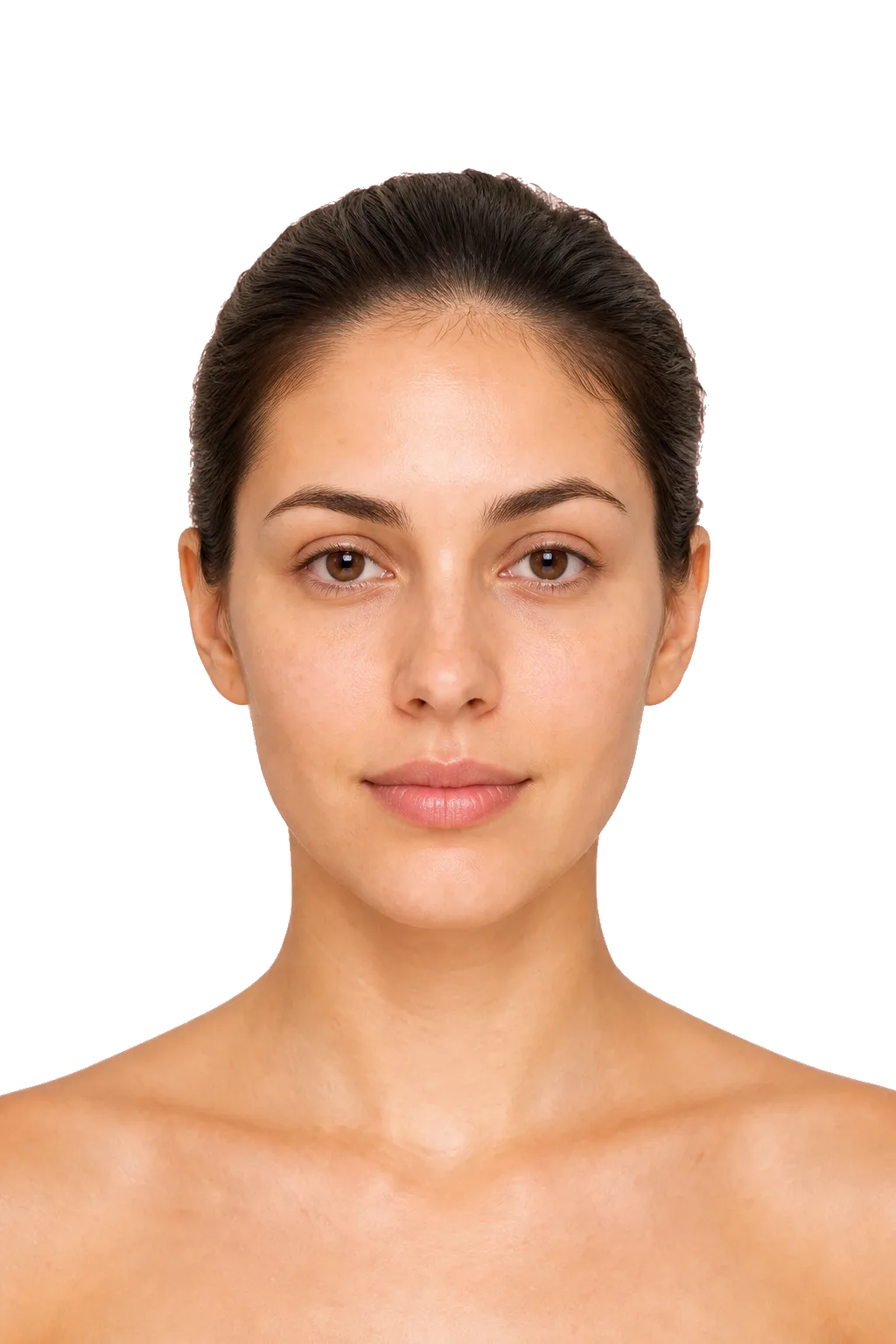
Photo stays on your device
Lina without makeup
✦ Move the tool over the face

ABOUT THIS MODE

The free studio: what it is for

The studio is a canvas with no correct answer. There is no score and no prompt telling you what comes next: you pick a face, a tool and a colour, and see what happens. That is the point of the mode — to watch the consequence of an action without spending product or risking your own face.

How to start

  1. Pick a face. The models differ not only in appearance but in skin condition: smooth, acne-prone, post-acne, visibly textured. The same foundation behaves differently on each.
  2. Start with the base. Foundation and correction come first. Work from the centre of the face outwards, so coverage fades naturally towards the edges.
  3. Add light and shadow. Contour under the cheekbone, blush on the apples, highlighter on the top of the cheekbone. This is what returns volume after foundation flattens the face.
  4. Move to detail. Brows, shadow, liner, mascara, lipstick. Fine work comes last, once the overall shape is visible.
  5. Compare. Build two looks on the same face at different intensities. The difference between them teaches more than one "correct" result.

Worth trying

  • Switch brush shape on the same step — round, flat and angled leave noticeably different marks.
  • Build one look with deliberate excess, to see exactly where the line of too much runs.
  • Try the same makeup on smooth skin and on textured skin — it becomes clear why heavy coverage does not always help.

The most common mistakes

  • Going straight to maximum intensity. A light layer leaves room to build; a heavy one has to be taken back.
  • Highlighter across the whole cheek — it emphasises texture instead of adding glow.
  • Placing contour and highlighter edge to edge. There has to be a transition between light and shadow, or you get two stripes.

What the studio does not do

It does not show how a product behaves six hours later. Oxidation, lipstick wear, shine appearing in the T-zone — those only show up on a real face.

It does not train your hand. Pressure, brush angle, speed of movement are muscle memory, and a mouse will not build them.

It does not choose products for you. Here you learn the principle — where and in what order. Which product suits your skin is decided only by testing it.

Frequently asked

Do I need an account?
No. The studio opens straight away; no sign-up is required.
What happens to a photo I upload?
It is processed locally in your browser and never sent to a server.
Does the studio work on a phone?
Yes, though precision is noticeably better on a large screen with a mouse.
Can I save the result?
Yes, a finished look can be downloaded as an image.
Will this replace a makeup course?
No. The studio helps you understand principles — order, light and shadow, how tools behave. Steadiness of hand and working with real textures only come from practice.